Building an AI Figma Plugin with Cursor: Teaching Tools to Think Like Designers
Originally published on Medium: https://medium.com/design-bootcamp/building-an-ai-figma-plugin-with-cursor-teaching-tools-to-think-like-designers-001c5bbdf393?source=rss-6c5be1f9757d------2
As a designer who often works on e-commerce projects, I spend hours creating Amazon listing images — main, lifestyle, infographics, and so on.
So I wondered: what if I could build a Figma plugin that uses AI to do it for me?
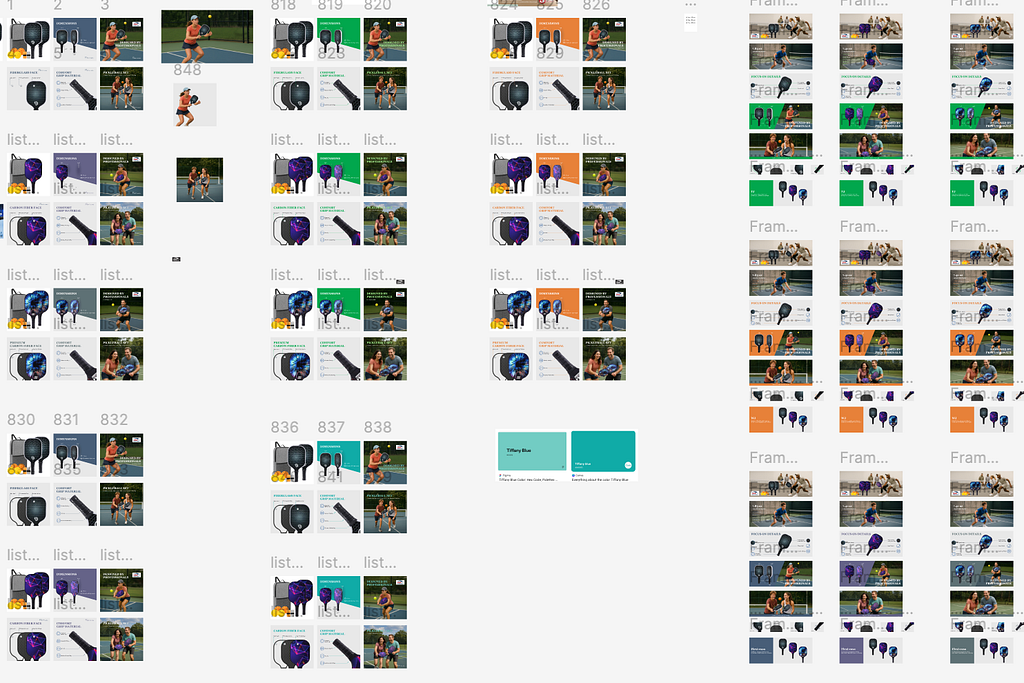
My recent listing work sample
Why Cursor?
I used Cursor, an AI-assisted code editor, to build this plugin from scratch.
As someone with a design background and limited coding experience, Cursor helped me translate design ideas into code faster.
I could describe UI logic in plain language — and Cursor generated the Figma Plugin API code.
I’ve also experimented with Windsurf, another AI-assisted coding tool. While it’s powerful, it doesn’t yet feel intuitive enough for designers. Over the past six months, I’ve been exploring a range of what I call “vibe coding” tools — AI tools that blend creativity and code — and I’ll share more of my thoughts and lessons learned in future articles.
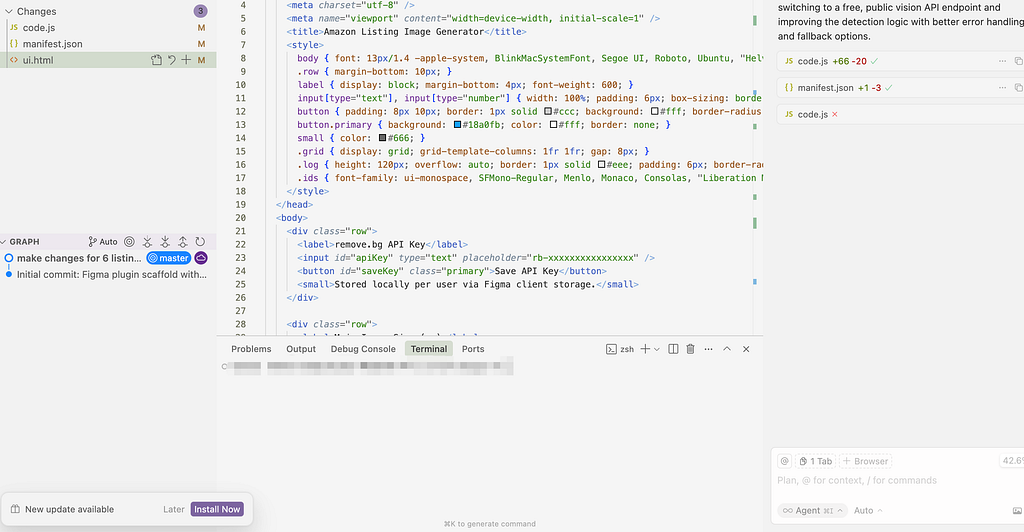
Code in Cursor
How the Plugin Works
The plugin takes a product image, detects its type, and generates six Amazon listing images — main, lifestyle, infographic, and more.
It uses AI prompts to create contextual backgrounds and automatically arranges them on a canvas.
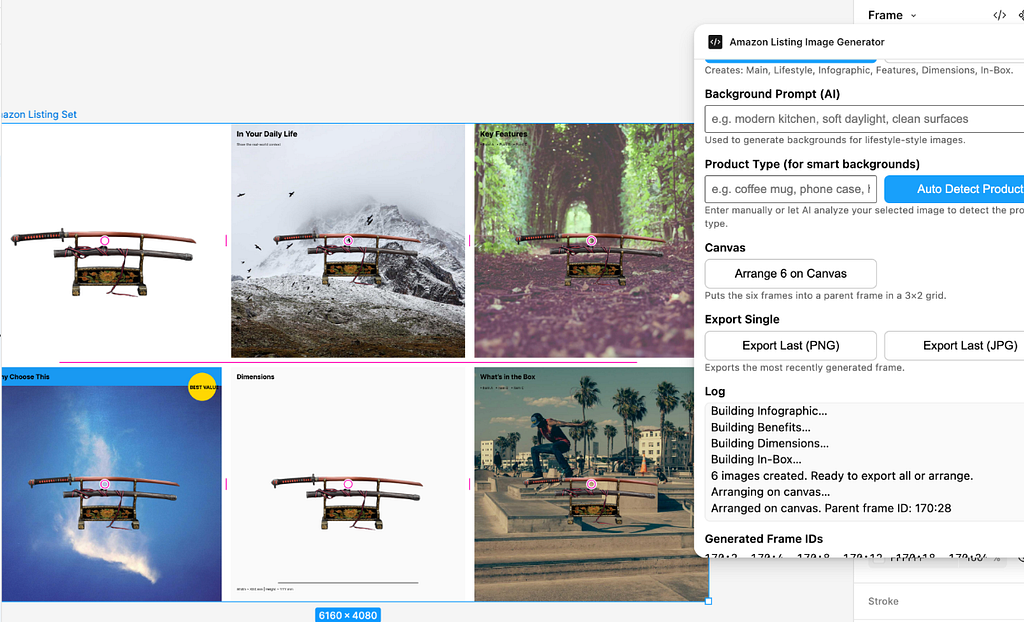
How the plugin help me design the listing
What Went Wrong
While the workflow worked, the results weren’t perfect.
Some backgrounds looked unrealistic or contextually wrong — a sword floating in the sky, or a katana placed on a beach.
It reminded me that AI can recognize objects, but not design intent. Or sometimes not accurate enough.
Reflection
Building this taught me two things:
- Cursor is an incredible bridge between designers and code.
2. AI still needs UX designers to guide it — to teach it the language of context, tone, and emotion.
Next Steps
I plan to improve the plugin by:
- Adding a “style reference” input to teach AI brand tone
- Improving product detection accuracy. Right now, I’m using Salesforce’s blip-image-captioning-base model for image detection. It works decently, though I’m exploring whether a more advanced model might better capture visual context.
3. Building a feedback loop for users to rate AI results
AI won’t replace designers — but designers who build AI will shape the next generation of tools.
#UXDesign #Figma #Cursor #AI #DesignTools #AIDesign #FigmaPlugin #Ecommerce #Automation #HumanComputerInteraction
Building an AI Figma Plugin with Cursor: Teaching Tools to Think Like Designers was originally published in Bootcamp on Medium, where people are continuing the conversation by highlighting and responding to this story.